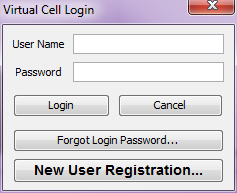
The Login dialog allows a user to log in to his/her VCell user account to access and manipulate his/her VCell models.
The Login dialog prompts user to provide a user name and password. Clicking OK authenticates the user name and password and if successful, the user is logged in and can proceed with editing/creating models. Clicking Cancel cancels the login process. The user can still create models, but cannot save or run simulations.
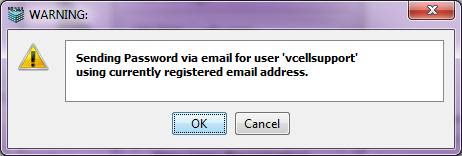
If the user has forgotten his/her password, clicking on the Forgot Login Password... button displays a message to the user saying that the password will be sent via email to the user's currently registered email address. The user can choose to accept or cancel the operation.
 .
.
If the user is trying to use the Virtual Cell for the first time, he/she has to register. Clicking on the New User Registration allows a user to register and use the Virtual Cell.